Photo Board
The Photo Board is a shared wall of photos for the household — the receipt to keep, the shelf you need to match, the model number to remember. Photos are stored in your own Nextcloud, and organized into folders.
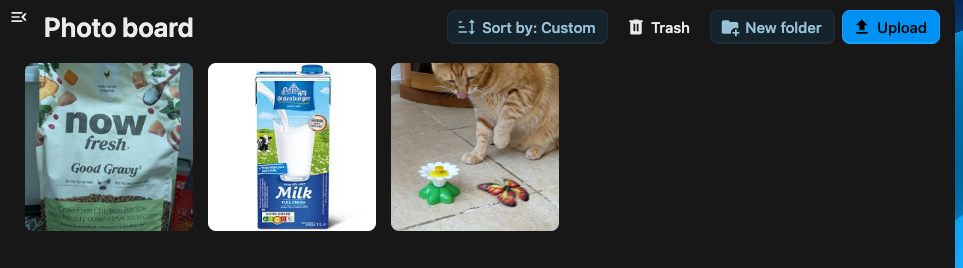
Upload photos
Section titled “Upload photos”-
Open the Photo Board.
-
Select Add image, or drop image files straight onto the board to upload them.
-
Open the Photo Board tab.
-
Tap the add button and pick a photo from your device or camera.
Captions
Section titled “Captions”Open a photo to add or edit its caption — a short line describing what it is, so the board stays readable when it fills up.
Folders
Section titled “Folders”Group related photos into folders — one per project, room or trip.
- Create a folder to start a new group.
- Move a photo into a folder, or between folders, to reorganize the board.
- Reorder folders and photos to put what matters first.
Moving a photo or folder to the trash soft-deletes it. Trashed photos can be restored, or permanently deleted, from the trash view.